

Aivia OSMIUM Mechanical Gaming Keyboard
Key Features
 |
|||||||||||||||||
| The blue Platinum group metal Osmium is the most heavy element at normal conditions. Its' hard, rare and noble nature represents ultra durability and luxury of Aivia Osmium mechanical gaming keyboard. | |||||||||||||||||
 |
|||||||||||||||||
|
|||||||||||||||||
|
|||||||||||||||||
|
|||||||||||||||||
|
|
|||||||||||||||||
|
|||||||||||||||||
 |
|||||||||||||||||
 |
|||||||||||||||||
|
|||||||||||||||||
|
|||||||||||||||||
 |
|||||||||||||||||
|
|||||||||||||||||
|
|||||||||||||||||
|
|||||||||||||||||
|


Specification
| Interface | USB 2.0 |
| Activation | Cherry Red Mechanical Switch |
| Switch life | 50 million times |
| Key Profile | Standard |
| Travel distance | 4mm to the bottom |
| Pre-travel | 2mm to actuation point |
| Peak force | 45g |
| USB Hub | USB3.0 + USB2.0 |
| Report Rate | 1000Hz |
| Audio | Microphone-in/ Earphone-out |
| Weight | 1500g ±10% |
| Dimension | 454(L)* 257(W)*45(H) mm |
| Cable length | 2.0m ±10% |
| Support OS | Windows XP/ Vista/ Windows 7 |
| Certification | CE, FCC, BSMI |
| Color | Black |
More Information >>Click<<
เมื่อดูรายละเอียดต่างๆกันครบถ้วนแล้วก็ไปดูหน้าตา Mechanical Gaming Keyboard รุ่นนี้กันต่อเลยครับ
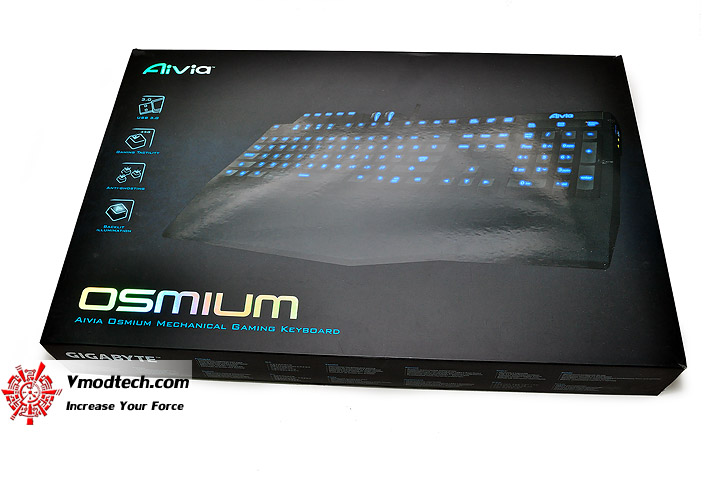
หน้าตากล่องบรรจุภัณฑ์นะครับใหญ่โตสวยงามมากๆ
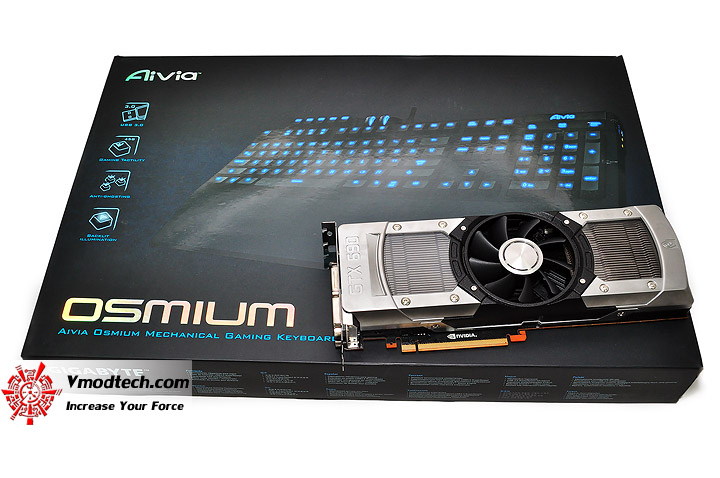
ใหญ่ขนาดไหนลองเทียบขนาดกับกราฟฟิคการ์ดตัวยาวๆอย่าง NVIDIA GeForce GTX 690 กันดูนะครับ
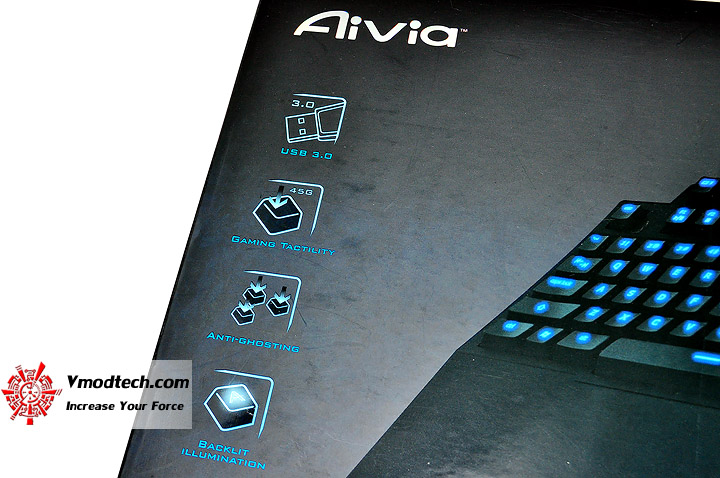
Features เทพๆของ Mechanical Gaming Keyboard รุ่นนี้ครับ
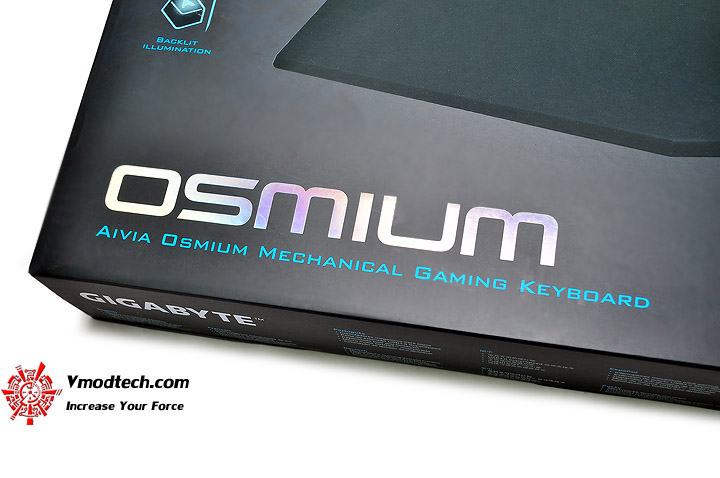
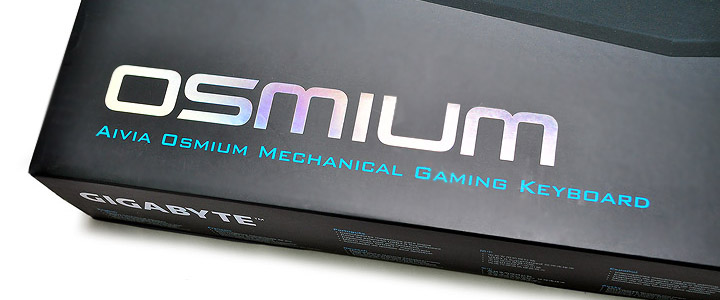
ชื่อรุ่น OSMIUM เงาแว้บสวยงามบนกล่องครับ
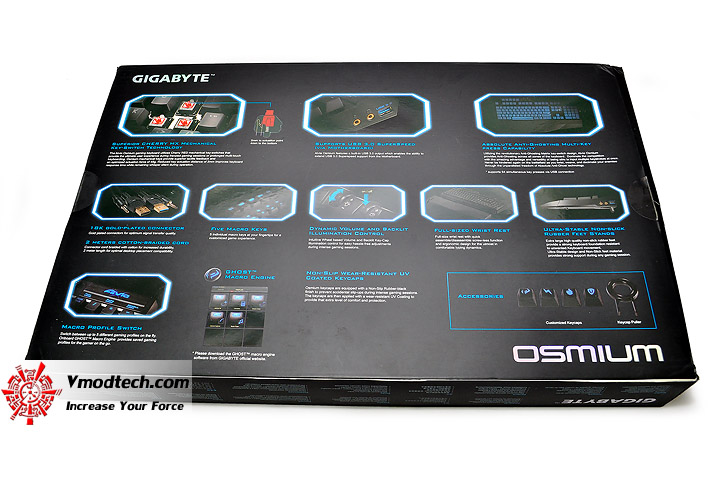
ด้านหลังกล่องก็บรรยาย Features เทพๆไว้เพียบ ดังที่ได้กล่าวมาในหน้าแรกครับ
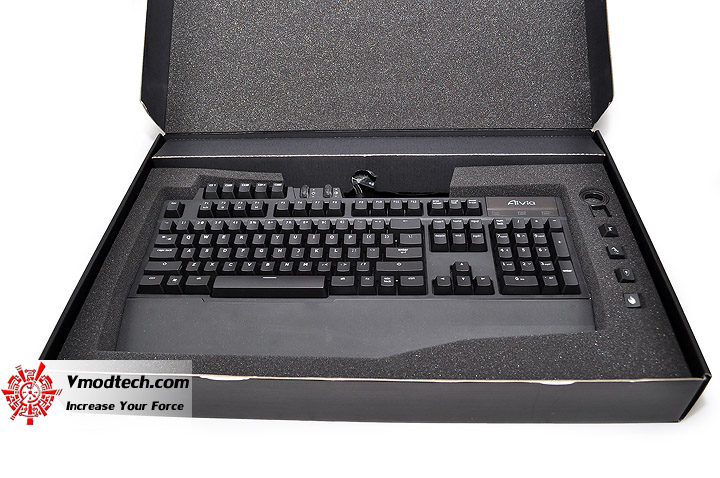
เปิดกล่องดูกันดีกว่าว่าจะมีอะไรบ้าง
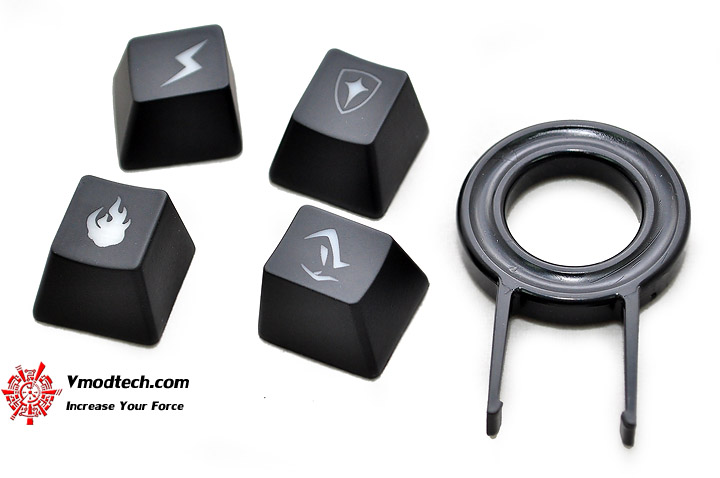
สิ่งที่แถมมาจะมีปุ่มคีย์บอร์ดสำหรับเปลี่ยนกับปุ่ม W , A , S และ D สำหรับใช้ในการเล่นเกมส์พร้อมที่เปลี่ยนครับ
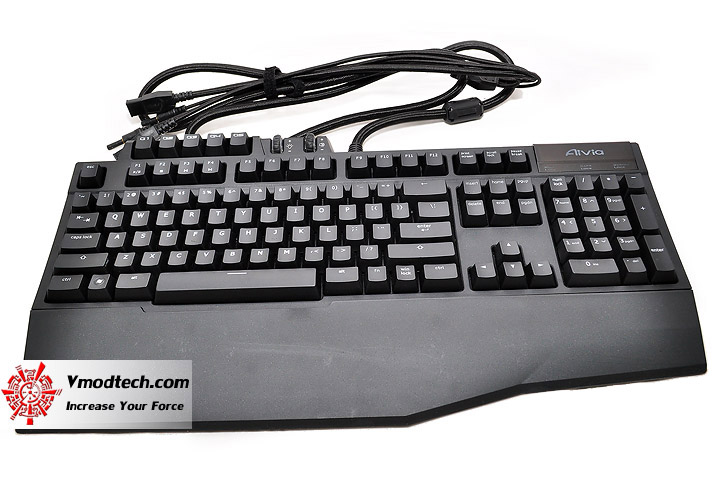
หน้าตาของ Mechanical Gaming Keyboard รุ่นนี้เต็มๆครับ ผิวดำเคร่งขรึมดีครับ
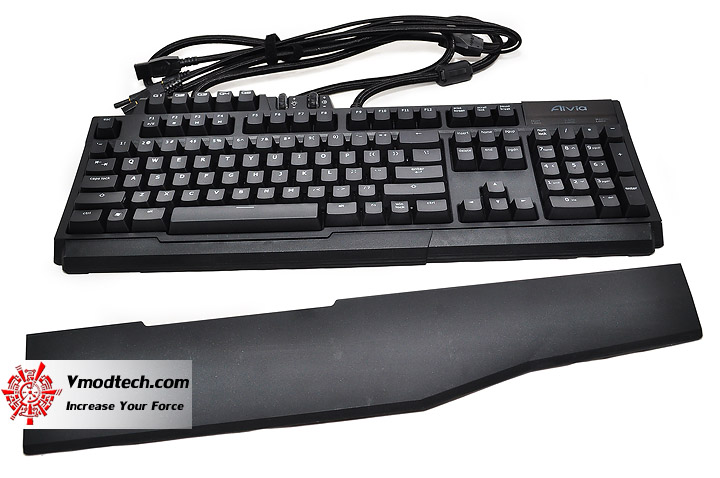
สามารถถอดที่วางข้อมือตามความถนัดและขนาดพื้นที่ได้ครับ
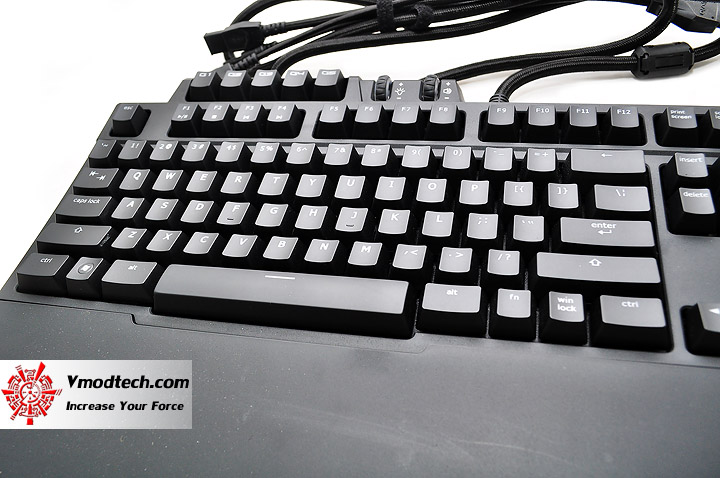
ปุ่ม Mechanical ที่สามารถทนแรงกดได้สูงถึง 45G พร้อมรับประกันจำนวนครั้งการกดใช้งานที่สูงถึง 50ล้านครั้ง
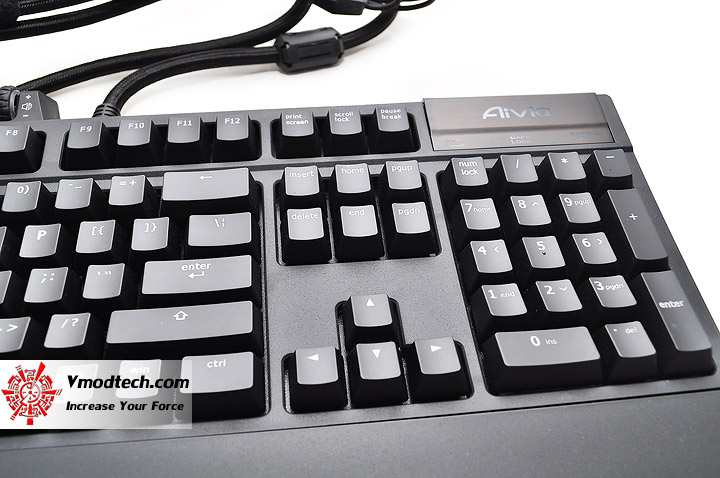
...ตรงโลโก้ AiVia ด้านมุมขวา สามารถกดเปลี่ยน Macro ที่เราตั้งใช้งานได้ 5 Profiles โดยจะมีการเปลี่ยนแสงสีขณะกดเปลี่ยนด้วย สวยงามสุดยอดจริงๆ
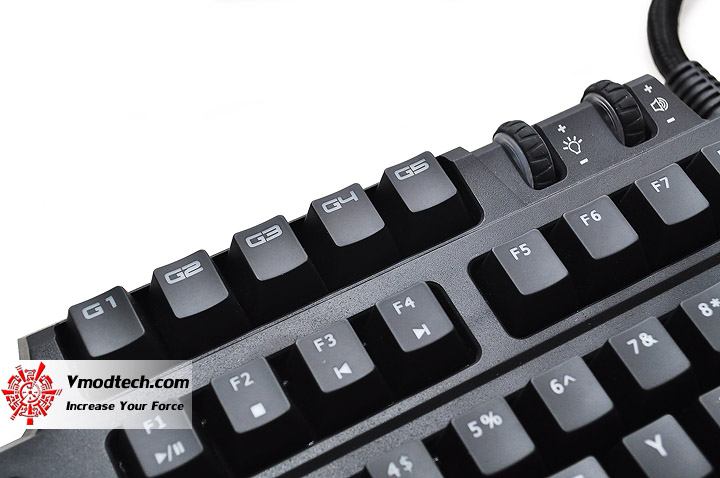
หรือจะเปลี่ยน Profiles ที่ปุ่ม G1-G5 ด้านบนนี้ก็ได้ครับ ไม่ต้องกดวนให้เสียเวลา
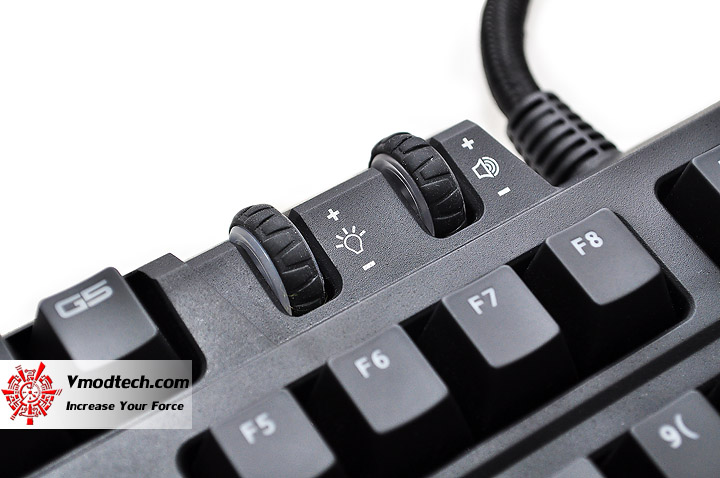
Volume เพิ่มลดไฟบนคีย์บอร์ดและเพิ่มลดเสียงของระบบบนคีย์บอร์ดเพื่อความสะดวกสบายในการใช้งาน
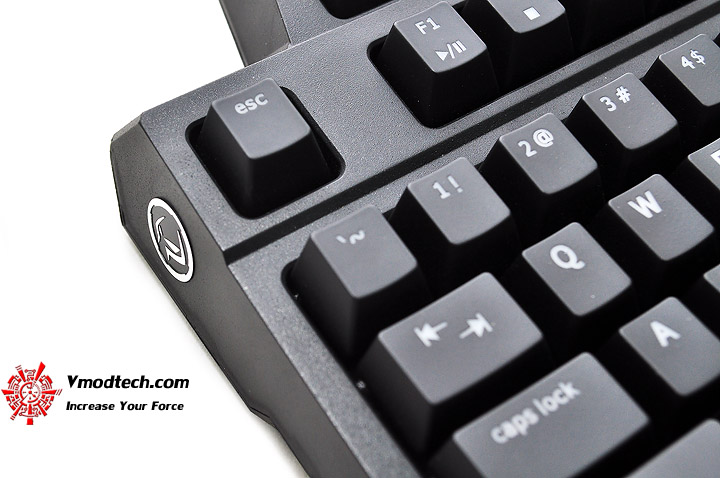
โลโก้ตระกูล Gaming ของ GIGABYTE ด้านข้างคีย์บอร์ดเพื่อความเท่ห์
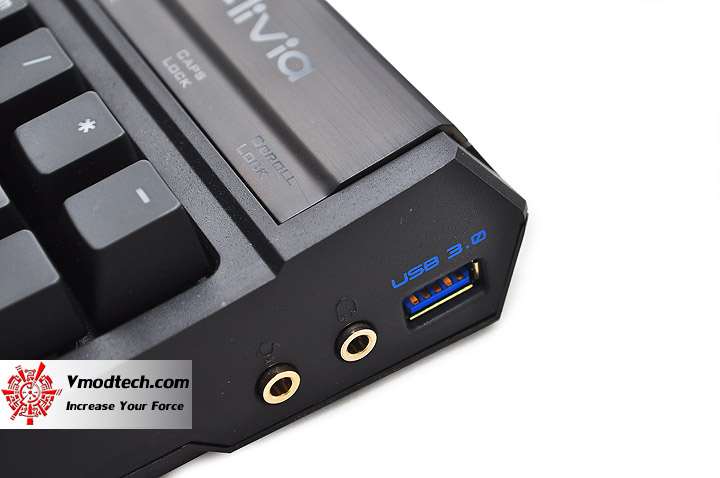
ช่องเสียบ Headset และ USB 3.0 จะอยู่บริเวณนี้ครับ
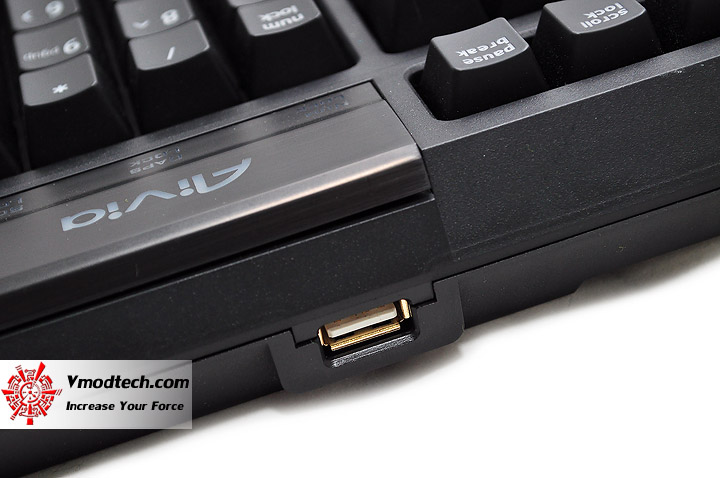
ส่วนช่อง USB 2.0 ก็อยู่บริเวณนี้ครับ
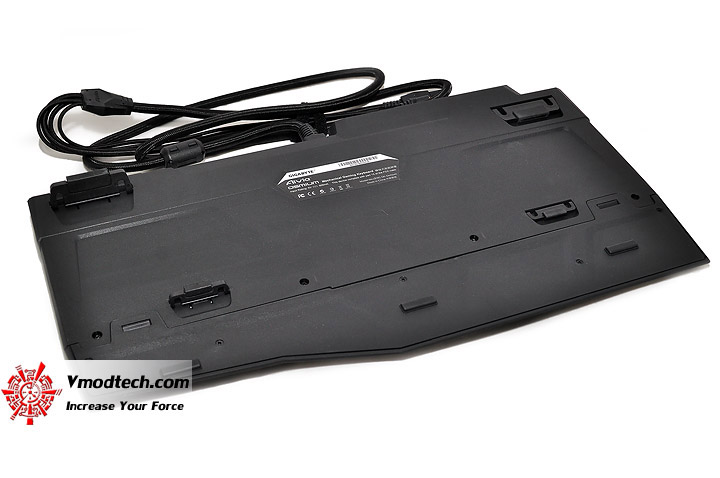
ไปดูด้านหลังคีย์บอร์ดกันต่อครับ
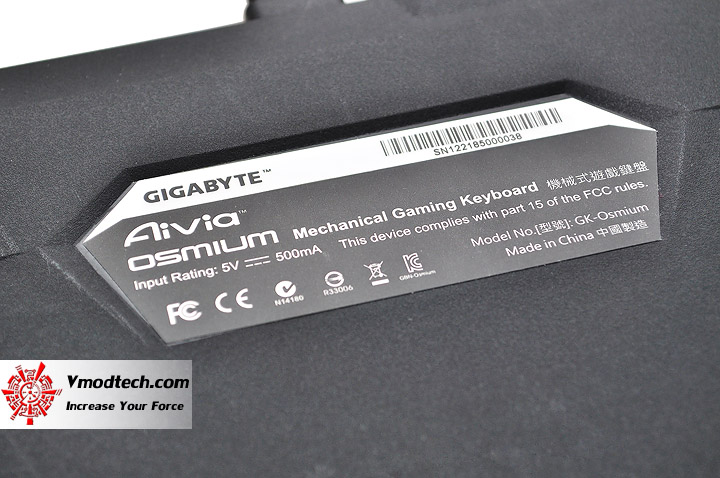
Label แสดงรายละเอียดของผลิตภัณฑ์คีย์บอร์ดรุ่นนี้ครับ
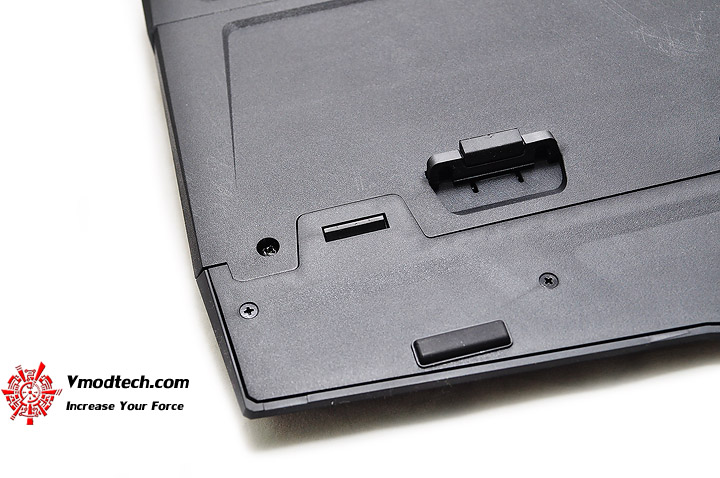
บริเวณที่ล็อคกับแป้นวางข้อมือครับ
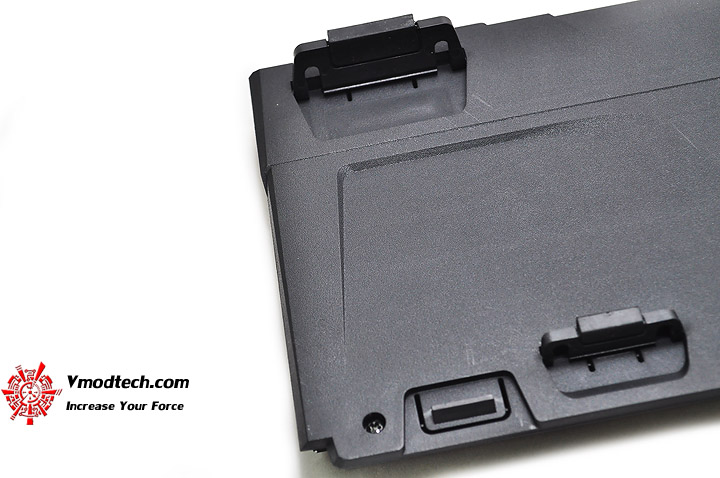
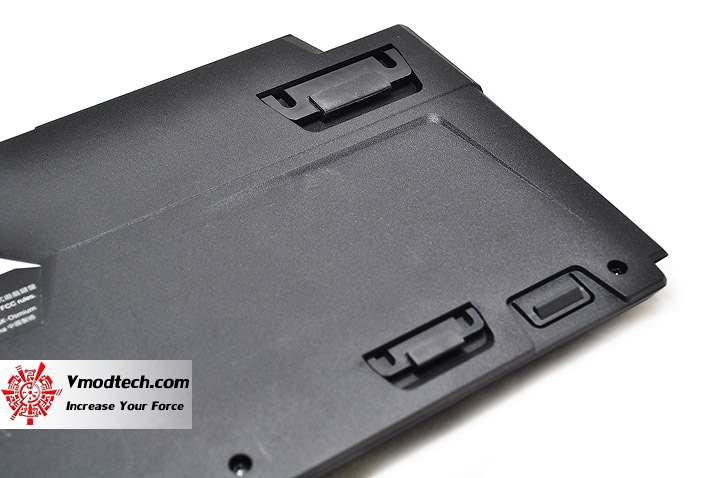
มีขาตั้งปรับระดับคีย์บอร์ดสูงต่ำขึ้นลงได้ ตามความถนัดของผู้ใช้ดังเช่นคีย์บอร์ดทั่วๆไปครับ
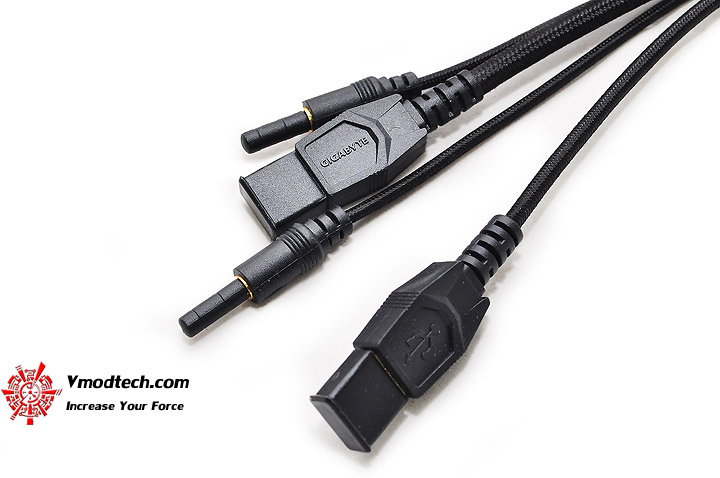
สายเชื่อมต่อเข้ากับระบบของ Mechanical Gaming Keyboard รุ่นนี้ครับ
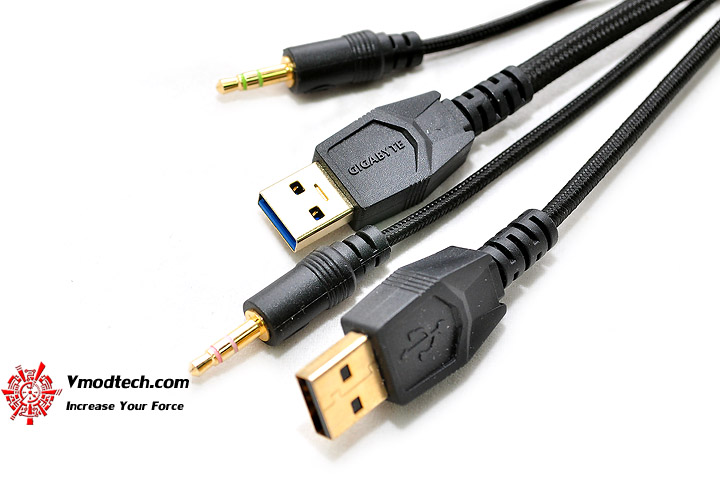
...USB3.0 , USB2.0 , Microphone-in และ Earphone-out ครับ โดยการเชื่อมต่อคีย์บอรืดสำหรับใช้งานจะเชื่อมต่อผ่าน USB 2.0 นะครับ ส่วน USB 3.0 จะเป็นการพ่วงพอร์ต USB 3.0 ไปที่ด้านข้างคีย์บอร์ดเพื่อความสะดวกในการต่อเชื่อมอุปกรณ์ USB 3.0 ในการใช้งานเพียงเท่านั้น
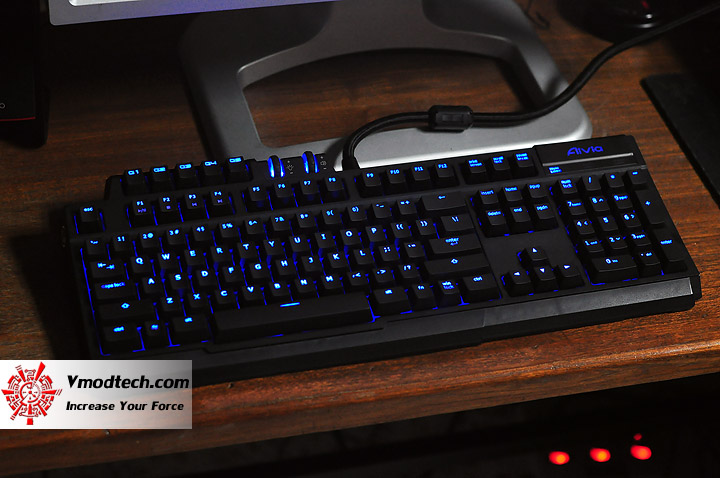
มาทดลองเสียบใช้งานกันเลยครับ ไฟสีฟ้าสวยงามมากครับ
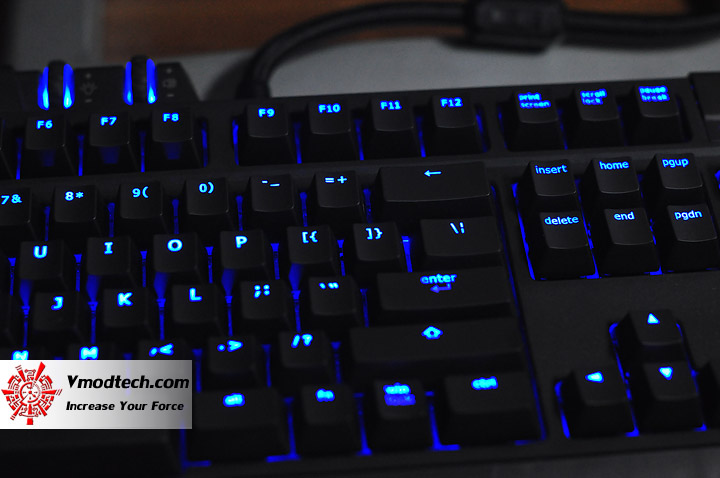
ดูกันชัดๆถึงความงาม
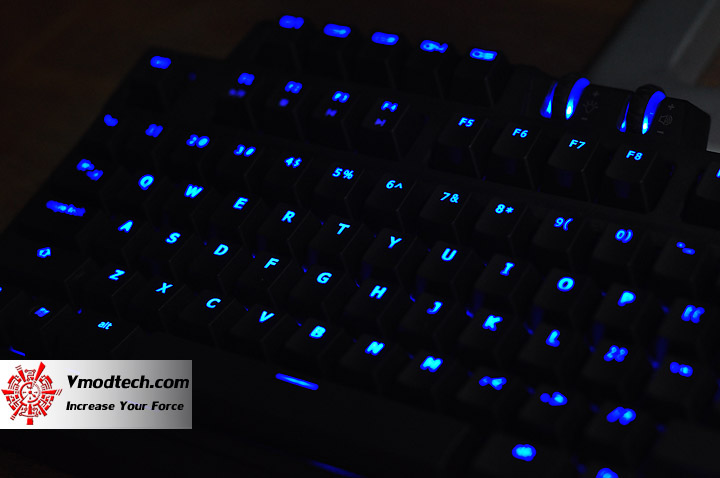
...นอกจากงามแล้วยังตอบสนองการใช้งานได้อย่างดีเยี่ยม ไม่มีอาการ Ghosting ให้ได้รู้สึกขณะเล่นเกมส์แต่อย่างใด เสียงรบกวนขณะกดปุ่มคีย์บอร์ดก็ไม่ดังมากมายครับ กำลังดี
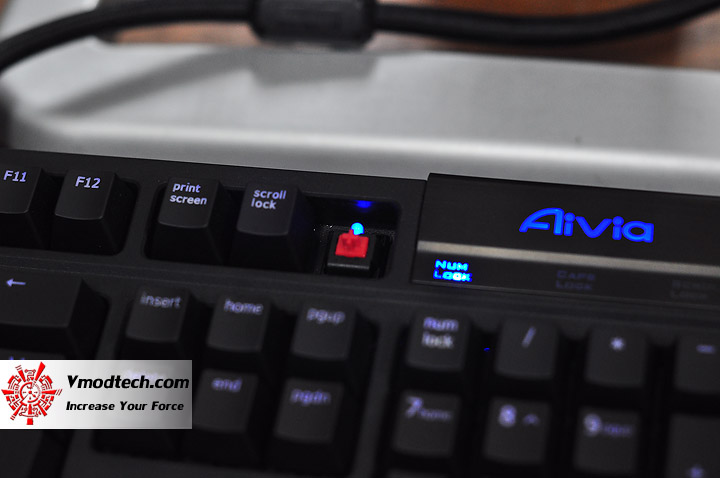
ตัว Key-Switch จะเป็นรุ่นปุ่มแดงที่เหมาะกับเกมส์แนว FPS นะครับ
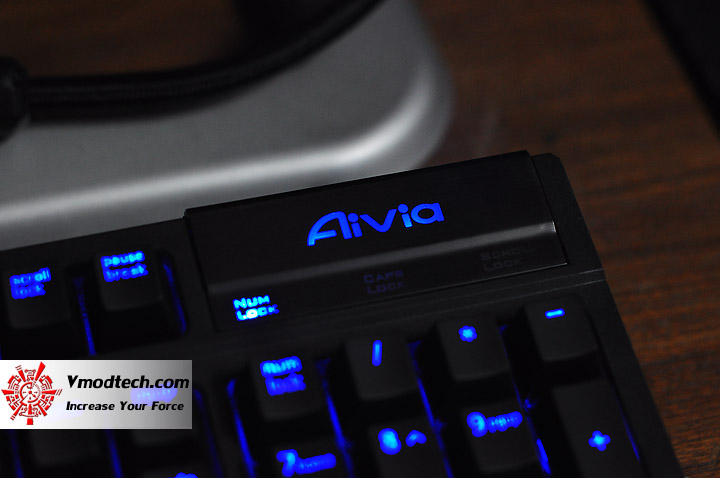
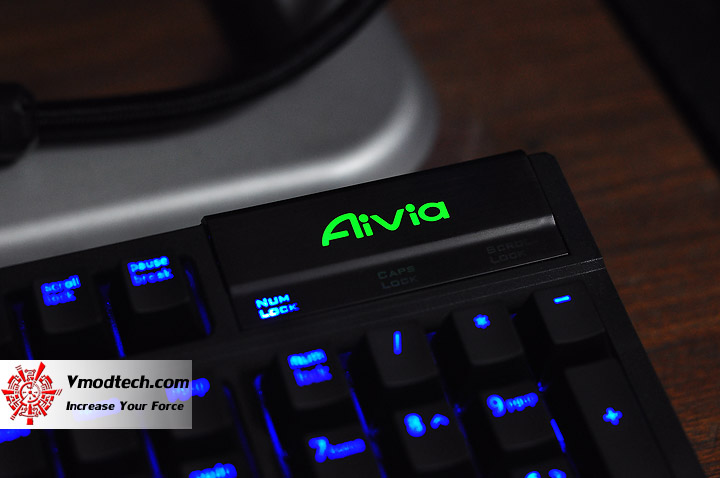
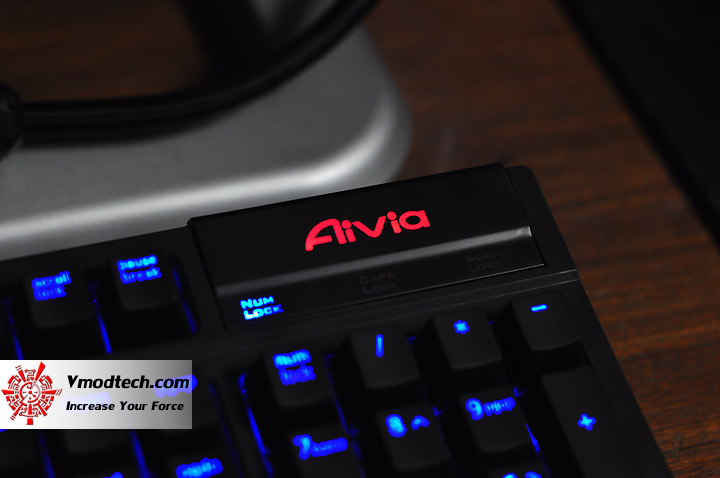
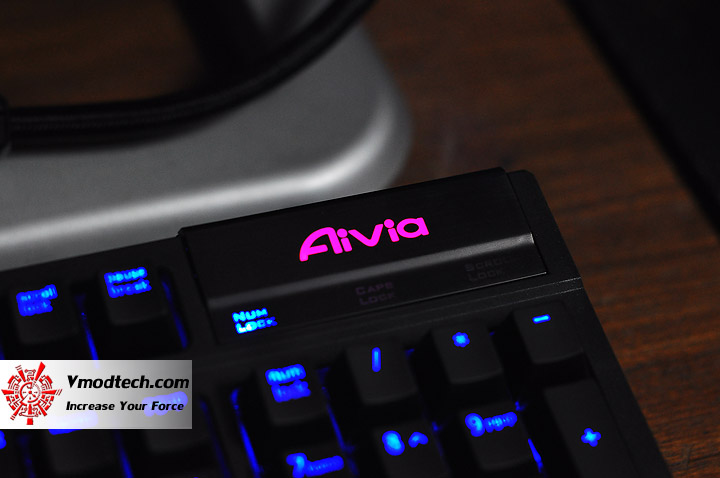
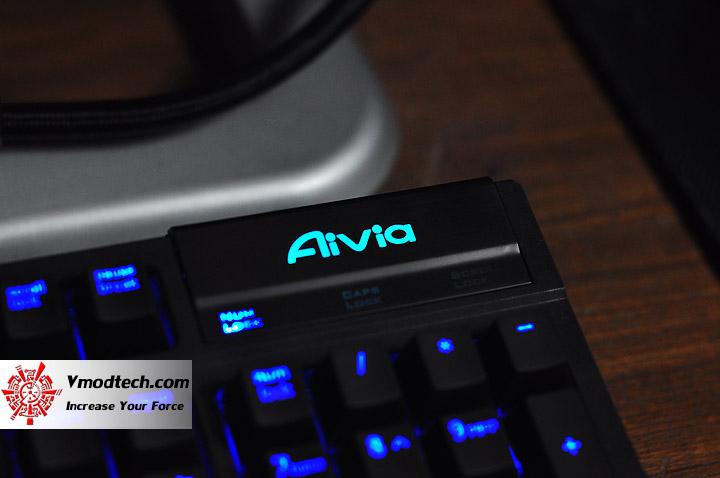
...เมื่อกดที่แผงโลโก้ AiVia ก็จะเป็นการเปลี่ยน macro Profiles สำหรับการเล่นเกมส์ที่สามารถตั้งได้ 5 Profiles และเปลี่ยนสีได้ตาม Profiles ที่เราเลือกครับ
…ก็มาถึงบทสรุปของการทดสอบ Aivia OSMIUM Mechanical Gaming Keyboard รุ่นนี้กันแล้วนะครับ ก็ขอบอกว่าเป็น Mechanical Gaming Keyboard อีกตัวเลือกหนึ่งที่น่าเล่นมากๆเลยครับ สำหรับท่านที่เน้นเล่นเกมส์ FPS และต้องการการตอบสนองที่แม่นยำที่มาพร้อมกับดีไซน์ที่โดดเด่นงดงามไม่ซ้ำใคร รวมถึง Features อำนวยความสะดวกต่างๆที่ครบเครื่อง ก็ไม่ควรมองข้าม Mechanical Gaming Keyboard รุ่นนี้กันเป็นอันขาดนะครับ และสำหรับวันนี้ผมก็ขอลาไปก่อนแต่เพียงเท่านี้นะครับ แล้วพบกันใหม่ในวันพรุ่งนี้ สวัสดีครับ
.


.
ขอขอบคุณ
GIGABYTE


